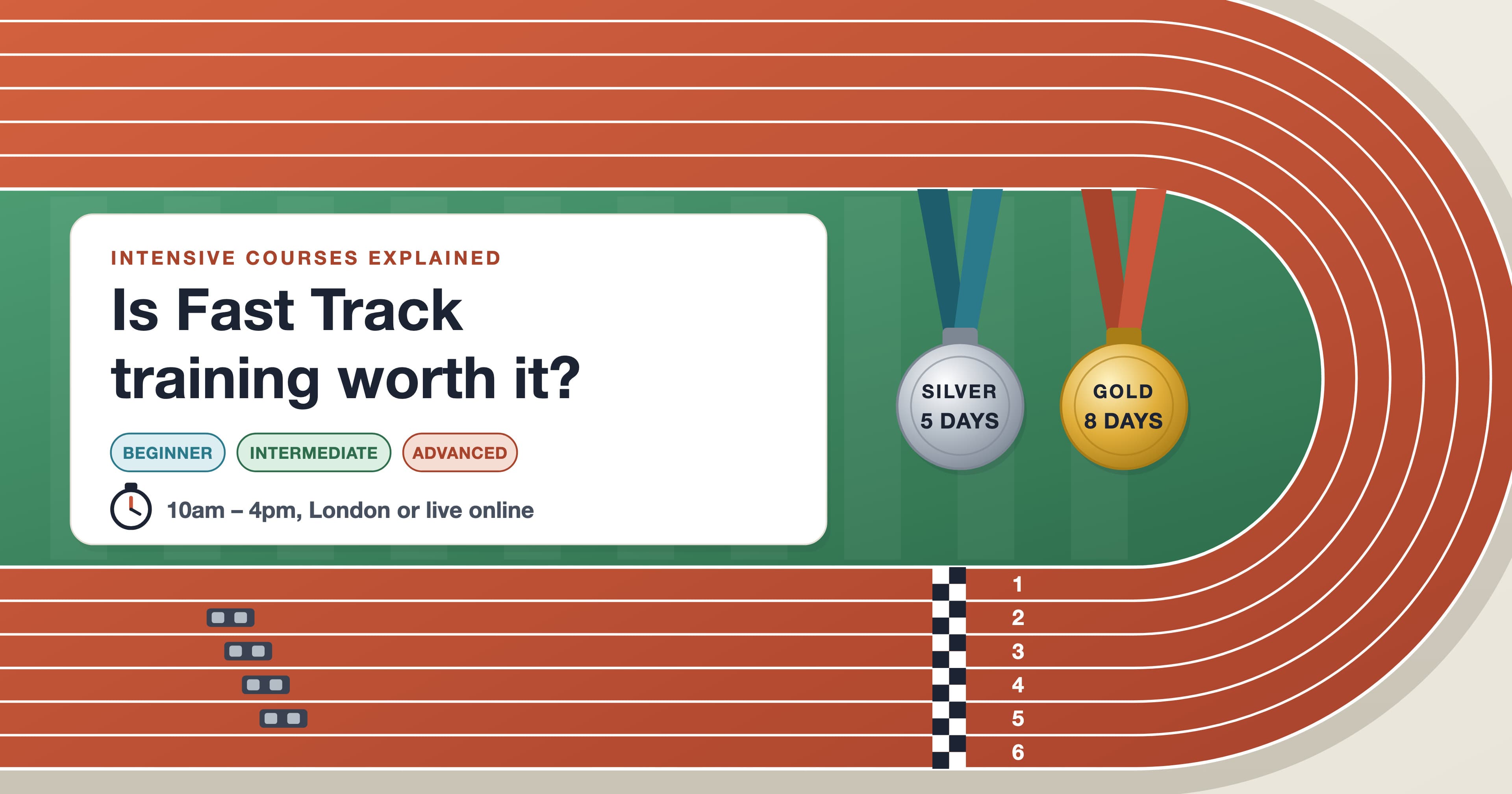
Two questions will tell you most of what you need to know. Do you need to use the software properly, for real work, in the next month or two? And can you give it five weekdays, 10am to 4pm, without checking your inbox every ten minutes? Two yeses mean an intensive course is very likely worth it. A yes to the first and a no to the second can still work, because the days don’t all have to fall in the same week.
A Fast Track is our intensive course format: it books consecutive levels of one app together. Silver is Beginner plus Intermediate over five days, and Gold adds the Advanced level for eight days in total. It suits people who learn by doing, need results soon and want a clear route to an industry exam. Below we explain what each version covers, how the days can and can’t be split, how an intensive compares with an evening class or a playlist of videos, and how to make the skills stick.
What is a Fast Track course?
Each level is a short course in its own right, with its own outline. A Fast Track simply joins them, so you go from first principles to confident everyday use in one booking, with the same instructors and exercises that build on each other. Every day runs from 10am to 4pm UK time with a lunch break, in small groups of usually four to seven students, either at our London studio by Canary Wharf or live online, where the instructor can see your screen and help directly.
Fast Track | Silver | Gold | Exam at the end |
|---|---|---|---|
Adobe Certified Professional | |||
Adobe Certified Professional | |||
Adobe Certified Professional | |||
Adobe Certified Professional | |||
Adobe Certified Professional | |||
Certificate of completion | |||
Certificate of completion | |||
Silver only | Certificate of completion | ||
Autodesk Certified User | |||
Silver only | Autodesk Certified User |
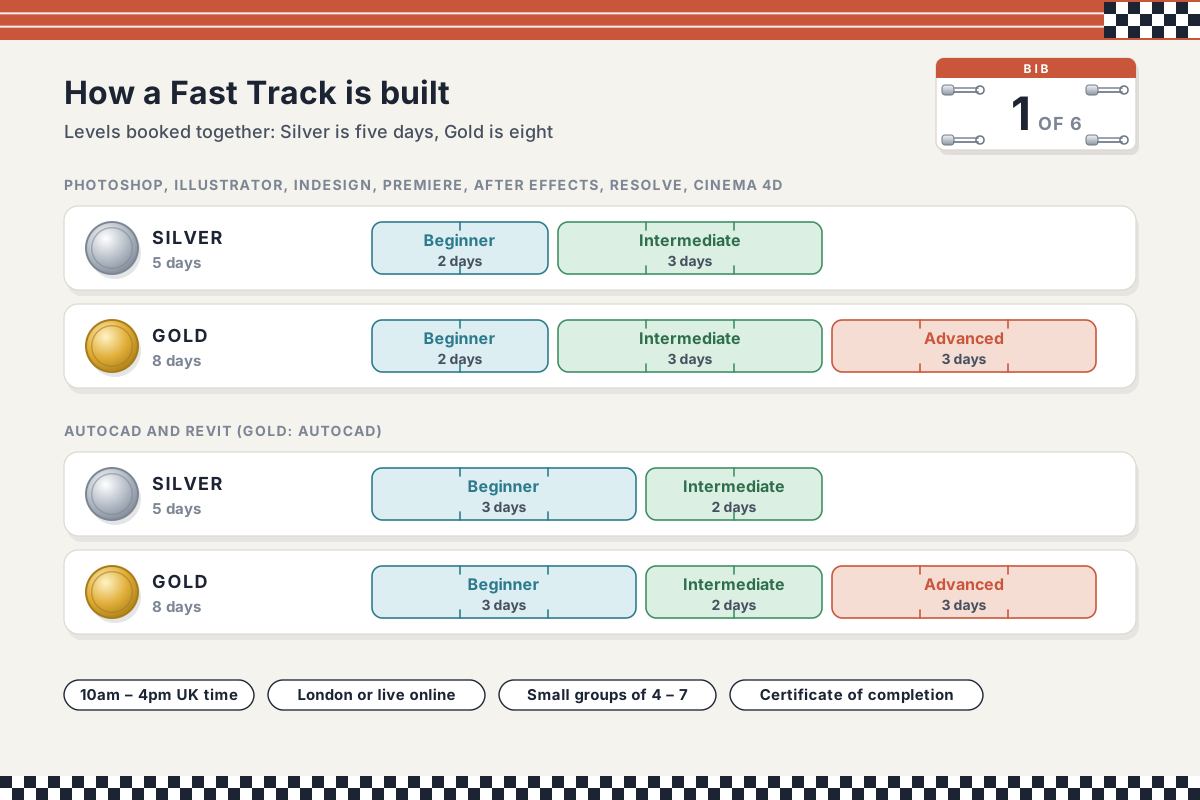
One detail catches people out. In the Adobe, DaVinci Resolve, Cinema 4D and Blender Fast Tracks, Beginner is two days and Intermediate three. In AutoCAD and Revit it’s the other way round: three days of Beginner, then two of Intermediate. It matters when you plan a split, as the next sections show.
Silver or Gold: how to choose
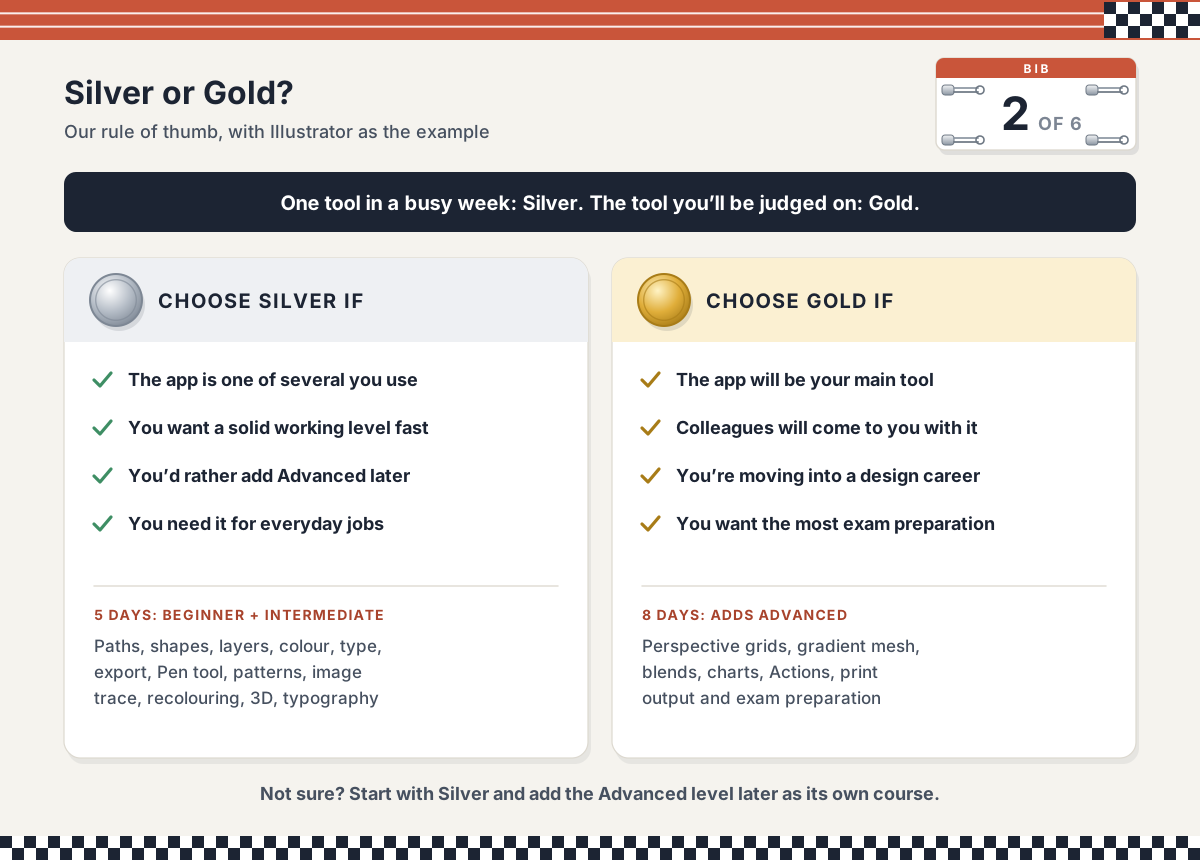
Take Illustrator as the example. Silver’s two Beginner days cover paths, shapes, layers, colour, type and exporting; the three Intermediate days move on to advanced drawing and the Pen tool, patterns, image tracing, recolouring, 3D effects and typography. Illustrator Fast Track Gold adds three Advanced days: perspective grids, gradient meshes, realistic blends, charts, automating repetitive work with Actions, preparing artwork for professional print, and a dedicated exam preparation session. In Photoshop, the Advanced days add Camera Raw, advanced selections and masking, mock-ups, Actions, animated GIFs and bulk production.
Our rule of thumb: choose Silver if the app is one tool in a busy week; choose Gold if it’s the tool you’ll be judged on.
Silver suits a marketer who makes social graphics alongside other work, an architect who needs AutoCAD for everyday drawings, or anyone who wants a solid working level quickly. Where there’s an exam, both versions prepare you to take and pass it at the end of the course.
Gold suits someone moving into a design career, the person colleagues will come to with questions, or anyone who wants the most preparation for the exam.
Not sure? Start with Silver and add the Advanced level later as a separate course, such as Illustrator Advanced, once you’ve used the app on real jobs.
How the days can be split, and how they can’t
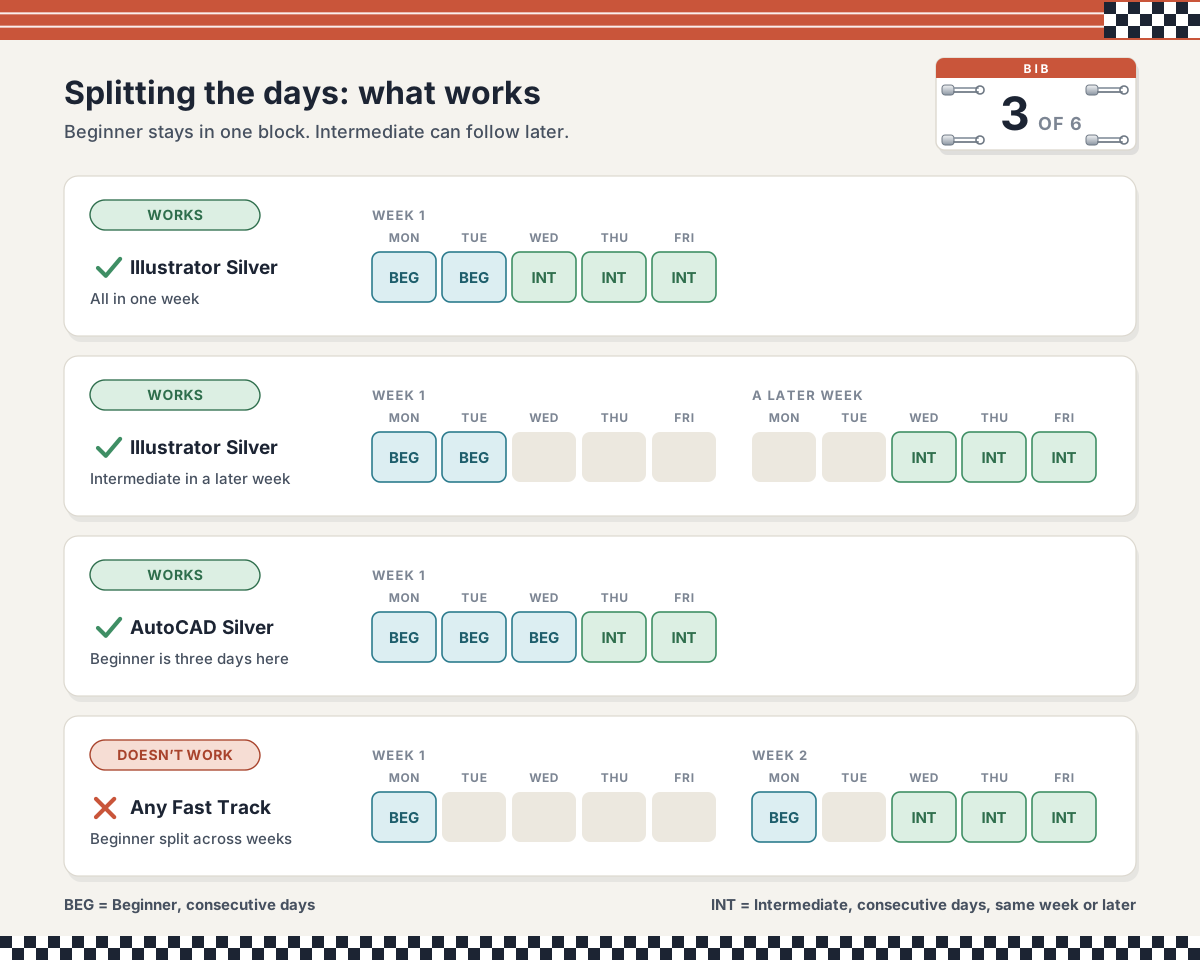
Five days in a row is the simplest plan, but not the only one. The rule is short. The Beginner part must be taken on consecutive days and can’t be spread over weeks. The Intermediate part also runs on consecutive days, and it can follow in the same week or a later week. On Gold, Advanced is its own block of three consecutive days.
In practice, with Illustrator Silver as the example:
Works: Beginner Monday and Tuesday, Intermediate Wednesday to Friday of the same week.
Works: Beginner on two consecutive days, then Intermediate on three consecutive days in a later week. Handy if you can’t be away for a full week, and the gap gives you time to practise.
Works: for AutoCAD, Beginner Monday to Wednesday, then Intermediate on Thursday and Friday or in a later week.
Doesn’t work: one Beginner day this week and the other next week. Beginner builds hour by hour, so it has to stay in one block.
Intensive, evening class or self-taught videos?
There’s more than one way to learn creative software, and the honest comparison depends on how you learn. This is our view, from teaching plenty of people who have tried all three.
Intensive course | Weekly evening class | Self-taught videos | |
|---|---|---|---|
Feedback | An instructor watching your work all day | A couple of hours a week | None |
Momentum | Each day builds on yesterday | A week to forget between sessions | Stop-start |
Fits around work | Needs days away, though it can be split | Evenings only | Any time |
Gaps in knowledge | A full outline, level by level | A full outline, slowly | Easy to miss the fundamentals |
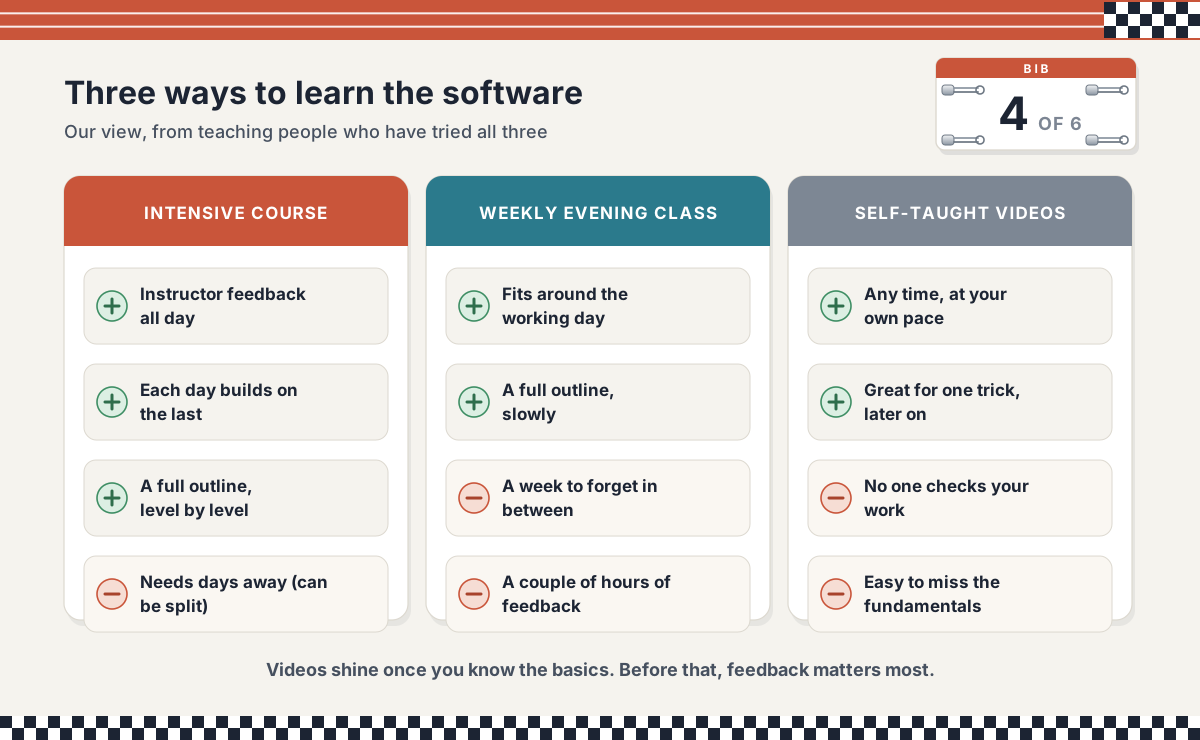
Videos are brilliant for one specific technique once you know the basics. Where they struggle is the stage when you don’t yet know what you don’t know, which is exactly where an instructor earns their keep. Our scheduled courses run on weekdays; if evenings or weekends suit you better, we can arrange tailored training instead.
Who gets the most from an intensive course?
In our experience, the people who get the most out of a Fast Track have a reason to use the software soon: a new job, a project, a portfolio for a career change, or a team that needs a common standard. They like learning by doing, and they’re happy to be busy all day.
If that isn’t you yet, there’s usually a better first step rather than no step. If you only need the basics, a single level such as the two-day Photoshop Beginner course gets you working fast. If you need a taste of Photoshop, Illustrator and InDesign together, the Design Bundle Beginner covers all three. And if you can’t give five days in one go, split the Fast Track as above.
The week before and the months after
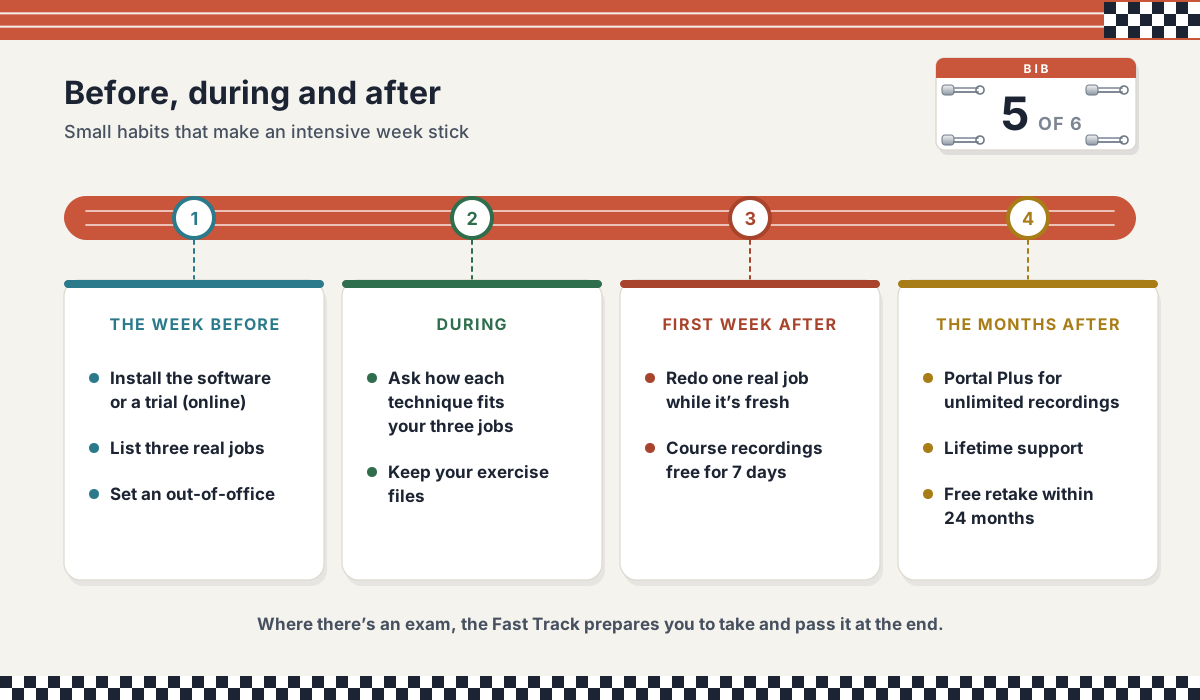
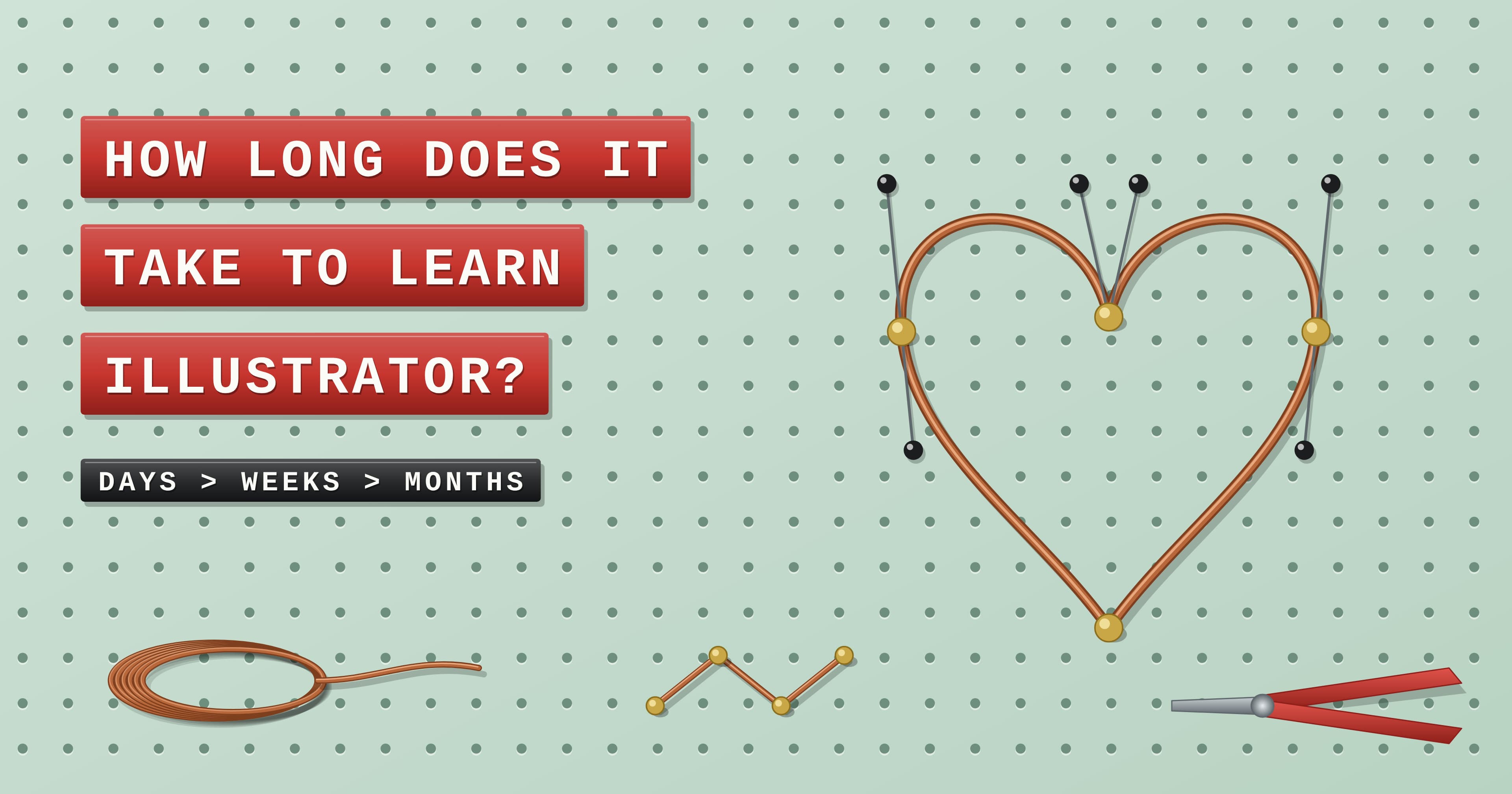
A little preparation makes an intensive week far more useful. If you’re joining online, install the software (a free trial is fine) and check it launches, and have headphones ready. Whichever way you attend, write down three real jobs you want to do with the app afterwards, set an out-of-office, and skim our guides on how long it takes to learn Illustrator or Photoshop to see where the course will take you.
After the course, the first week matters most. Redo one of your three real jobs using what you learned while it’s fresh. Every student gets portal access, with free access to the course recordings for seven days after the course ends, and Portal Plus extends that to unlimited recording access if you want to keep revisiting lessons. You keep the exercise files you made, every course comes with lifetime technical support, and you can retake the same public course for free within 24 months.
For managers and HR: is it a good use of a training budget?
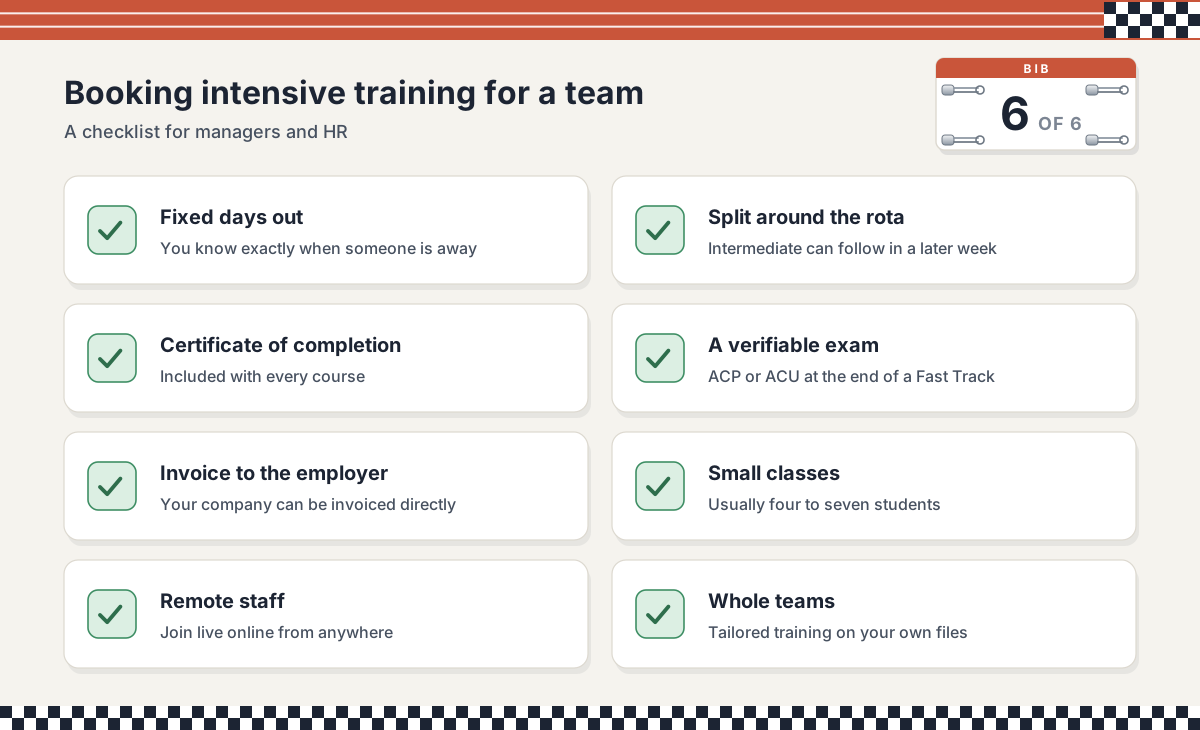
From a manager’s side, an intensive is predictable. You know exactly which days someone is out, and splitting Beginner and Intermediate across weeks helps cover the rota. Every course ends with a certificate of completion, and on Fast Tracks the Adobe Certified Professional or Autodesk Certified User exam adds a credential anyone can verify online, which our guides to the Adobe Certified Professional exam and the Autodesk Certified User exam for AutoCAD explain in detail. We can invoice your company directly, online seats suit remote staff, and for a whole team we can run tailored training on your own files and dates.
Fast Track courses at Docklands Media
Docklands Media is authorised by Adobe, Autodesk, Maxon, Blackmagic Design and Certiport, and we’re an Autodesk Authorised Training Centre. Every course includes a certificate of completion. Fast Tracks prepare you to take and pass the Adobe Certified Professional exam for Adobe apps, or the Autodesk Certified User exam for AutoCAD and Revit, at the end of the course.
Illustrator Fast Track Gold: eight days from first shapes to advanced vector work, print output and exam preparation.
Photoshop Fast Track Gold or Photoshop Fast Track Silver: eight days or five of intensive Photoshop, from layers and masks to compositing and retouching.
AutoCAD Fast Track Gold: 2D drafting, data-driven drawings and 3D modelling over eight days.
If two yeses brought you here, pick the version that matches how central the app is to your week, choose dates that keep Beginner in one block, and you’ll get the most from every one of those days.