DaVinci

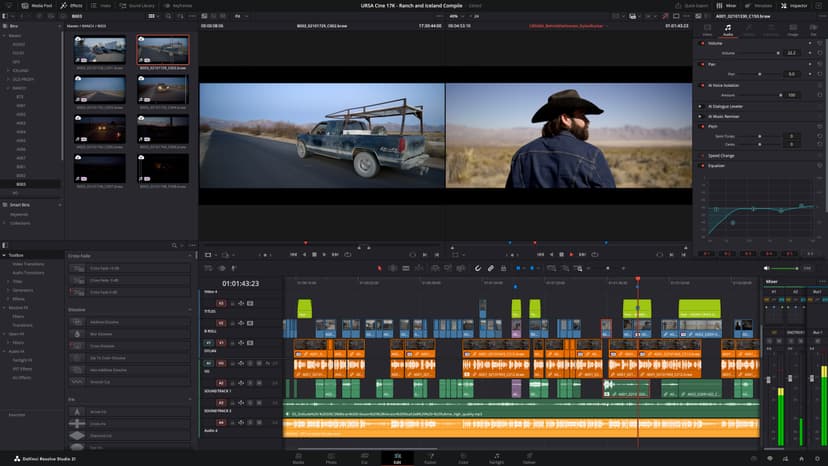
Master video editing and post-production with our practical DaVinci Resolve courses. Develop professional skills in editing, colour grading, audio, and visual effects—ideal for filmmakers, editors, and content creators ready to produce polished, professional video.
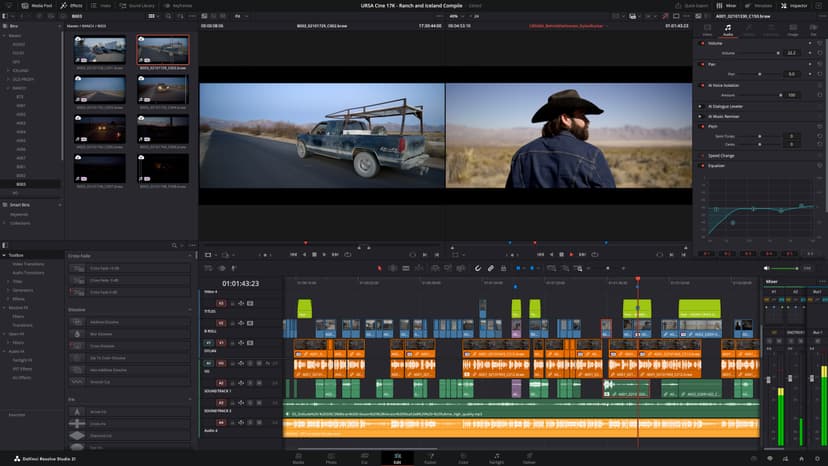
Course Promo

What's Included

Every Docklands Media course comes with a range of added benefits to support your learning at no extra cost.

Course Certification

Course Certification

Receive an official certificate of completion to validate your training. Ideal for portfolios, CVs, or proving your skills in After Effects .

Lifetime Support

Lifetime Support

Access our email and phone support for a lifetime. Contact us with any technical questions related to what you have learned on your After Effects course.

Free Course Retake

Free Course Retake

Need a refresher? Retake the same After Effects course for free within 24 months. A great way to solidify your learning or get up to speed with new software updates.

Course Materials & Videos

Course Materials & Videos

Receive training notes, project files, and 7-day access to instructor-led video tutorials. Perfect for reinforcing key lessons and practising at your own pace.

Testimonials

Hear directly from professionals and teams who’ve trained with us, sharing their experiences and the impact our training has had on their creative journeys.

Matthew Clarke

I already had a strong understanding of Resolve, so I wanted training that would push me further. The advanced editing workflows, multicam work and speed ramping were excellent, while the colour and Fairlight sections added another level to my finishing skills.

Emma Richardson

The advanced grading work was the highlight for me. Working with structured node trees, qualifiers, tracking, Power Windows, HDR and colour management gave me a much better understanding of how to build consistent professional grades.

Alex Morgan

The course helped me become more organised when dealing with large timelines, revisions and multiple camera sources. I also picked up some useful techniques for reusable workflows, keyframes and retiming that have made my editing more efficient.

Charlotte Evans

I was already comfortable with editing, but wanted to improve the finishing side of my work. The advanced colour, Fairlight mixing and delivery sections were exactly what I needed. I now feel much more confident taking projects all the way through to final output.

David Wilson

There was a lot of depth to this course, particularly around complex timelines, multicam editing and advanced effects. I also found the speed ramping and retiming techniques really useful for giving edits more control and energy.

Megan Foster

The focus on media management, archiving and professional delivery was particularly relevant to my work. It wasn’t just about making the edit look good; the course also showed how to manage the project properly from start to finish.

Chris Taylor

I wanted to improve my understanding of advanced grading and colour management, and the course went into exactly the areas I needed. Tracking, qualifiers, node structures and HDR workflows are now much clearer to me.

Rebecca Hall

Managing large projects can become complicated very quickly, so I found the advanced workflow and media-management techniques particularly useful. The combination of editing, colour, audio and delivery made the training very comprehensive.

Andrew Lewis

The advanced grading and effects work has changed how I approach finishing. I’m now much more confident using tracking, Power Windows, creative looks and structured node trees to get the result I want rather than relying on trial and error.

Sarah Bennett

I wanted to bring my editing, colour and audio skills together rather than treating them as separate parts of the process. The training covered all three in considerable depth, with Fusion and professional delivery included as well. It has made my overall workflow much more complete.

Jack Wilson

I already knew my way around basic editing, but this course introduced a much more efficient way of working. The advanced trimming tools, multicam editing and timeline techniques were particularly useful. I’m now much quicker when dealing with larger projects.

Amelia Harris

The multicam section was one of the most useful parts for me. I also learned more advanced colour grading, Fairlight audio and better ways to organise projects. It’s made a noticeable difference to how I approach more complicated edits.

FAQs

Find answers to common questions about DaVinci and general inquiries.

  • No. The training is suitable for people who are completely new to DaVinci Resolve as well as those who have already used the software and want to develop more advanced post-production skills.

Book / Enquire

Fill out the contact form and a member of our team will get back to you shortly—usually within minutes. Whether you're looking to book a course or just need advice, we're happy to assist.

Docklands Media’s DaVinci Resolve Tailored Training is designed for individuals and teams who need a fully customised learning experience. If a standard course doesn’t align with your creative or technical requirements, this bespoke DaVinci Resolve training allows the content, structure, and outline to be shaped around your editing, colour grading, audio, or post-production goals.

© 2026 Docklands Media. All rights reserved.