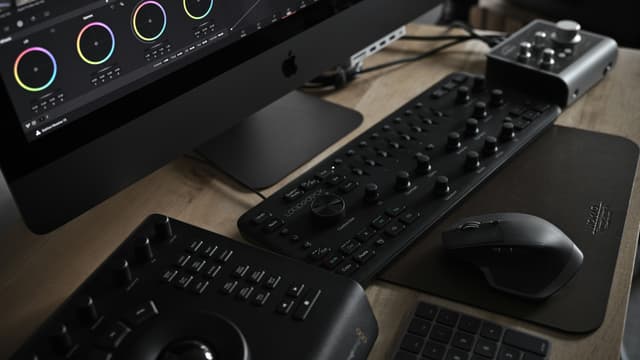
Take your editing and post-production skills further with this three-day DaVinci Resolve Intermediate course. Master advanced trimming, multicam editing, colour grading, Fairlight audio, Fusion compositing, and professional delivery through practical projects. Develop faster, more organised workflows and the confidence to handle complex video productions. Book your place today.

The DaVinci Resolve Intermediate course is a three-day training programme designed for users who already have a basic understanding of video editing and want to develop more advanced skills in professional post-production. Delivered in small groups at our London training centre or online, the course provides a hands-on learning environment where you can develop efficient workflows for increasingly complex video projects.
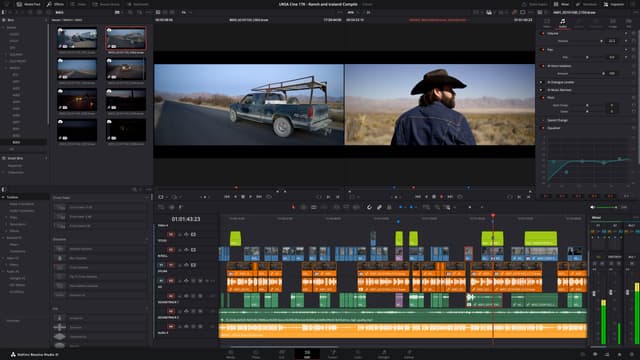
Throughout the course, you’ll explore advanced editing and trimming techniques, including ripple, roll, slip and slide edits, three-point editing, multicam workflows, compound clips, adjustment clips, and complex timeline organisation. You’ll also learn how to work with multiple camera angles, synchronise footage, manage external audio, and use keyboard shortcuts and markers to improve your editing speed and efficiency.
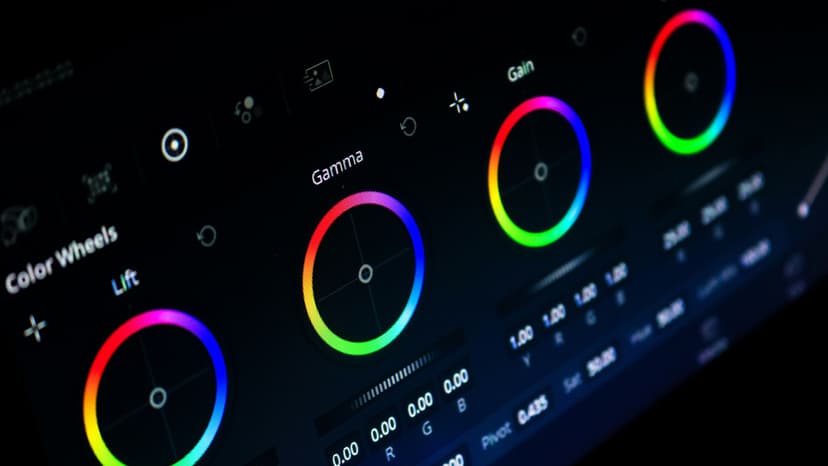
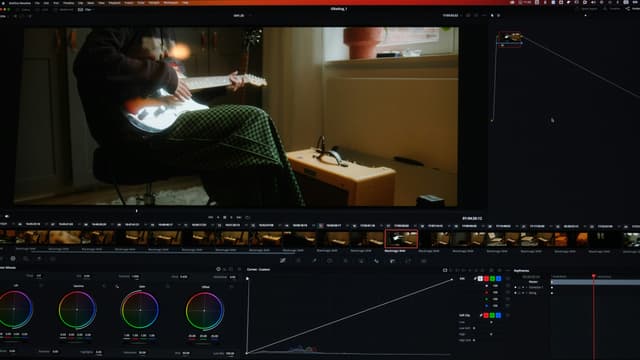
With expert guidance from experienced trainers, you’ll develop more advanced colour grading and audio skills using DaVinci Resolve’s Colour and Fairlight pages. You’ll work with scopes, nodes, qualifiers, Power Windows, LUTs, EQ, compression, noise reduction, audio routing, and automation, while also being introduced to Fusion for basic node-based compositing, masks, transformations, and graphic elements. The course also covers media management, proxy workflows, professional export settings, and delivery for different platforms. By the end of the training, you’ll have the confidence to manage more demanding projects and produce polished, professional video content from edit through to final delivery.
Here is what you will learn on this DaVinci course in more detail. Click the topics below to explore what is covered in each section.
Every Docklands Media course comes with a range of added benefits to support your learning at no extra cost.
Receive an official certificate of completion to validate your training. Ideal for portfolios, CVs, or proving your skills in DaVinci Resolve.
Access our email and phone support for a lifetime. Contact us with any technical questions related to what you have learned on your DaVinci Resolve course.
Need a refresher? Retake the same DaVinci Resolve course for free within 24 months. A great way to solidify your learning or get up to speed with new software updates.
Receive training notes, project files, and 7-day access to instructor-led video tutorials. Perfect for reinforcing key lessons and practising at your own pace.
We're committed to providing the best training experience possible. That's why we offer a range of discounts and flexible payment options to make your DaVinci Resolve course more accessible and affordable.
Get discounted rates when booking for two or more people, or if you're enrolling from a charity. Save 5–15% depending on your group size or institution type.
Book your DaVinci Resolve course at least three months in advance and get 10% off. Secure your place early and save on top-quality creative training.
If you're not fully satisfied on the first day of your DaVinci Resolve course, let us know. We'll do our best to make it right—or refund you in full. No hassle, no risk.
Spread the cost of your training over 3, 6, or 12 months. Our instalment plans help make creative learning more accessible, with interest rates as low as 5%.

Ozgur is an award winning filmmaker, animator and motion graphics artist. He is one of the very few people in the world to hold the Master Trainer title for Cinema 4D. He is also an Adobe Certified Video Specialist and Instructor.
Hear directly from professionals and teams who’ve trained with us, sharing their experiences and the impact our training has had on their creative journeys.
As well as creative individuals, we are also the preferred training provider for some of the most successful global brands and organisations.
Just a few of the common questions asked by our students.
No. The training is suitable for people who are completely new to DaVinci Resolve as well as those who have already used the software and want to develop more advanced post-production skills.
Contact us today to learn more about our courses and how we can help you achieve your creative goals.
Take your video editing and post-production skills to the next level with our DaVinci Resolve Intermediate Training Course. Designed for users with existing DaVinci Resolve experience, this three-day course develops more advanced editing, colour grading, audio, compositing, project management, and delivery skills for increasingly complex productions.
© 2026 Docklands Media. All rights reserved.