





Docklands Media Icon

Professional Training for Creatives

Partners & Training Providers of

  • Realflow
  • Apple
  • Adobe Certified Professional
  • Autodesk
  • Realflow
  • Certiport
  • NVIDIA
  • Photoshop
  • Illustrator
  • InDesign
  • After Effects
  • Premiere Pro
  • AutoCAD
  • Cinema 4D
  • 3ds Max
  • SketchUp
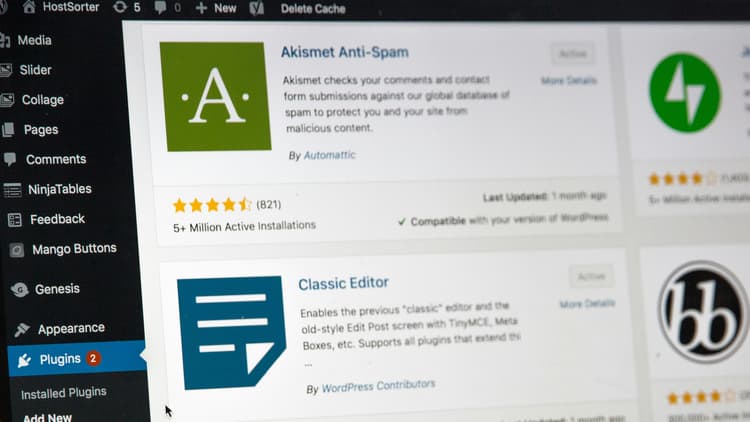
  • WordPress
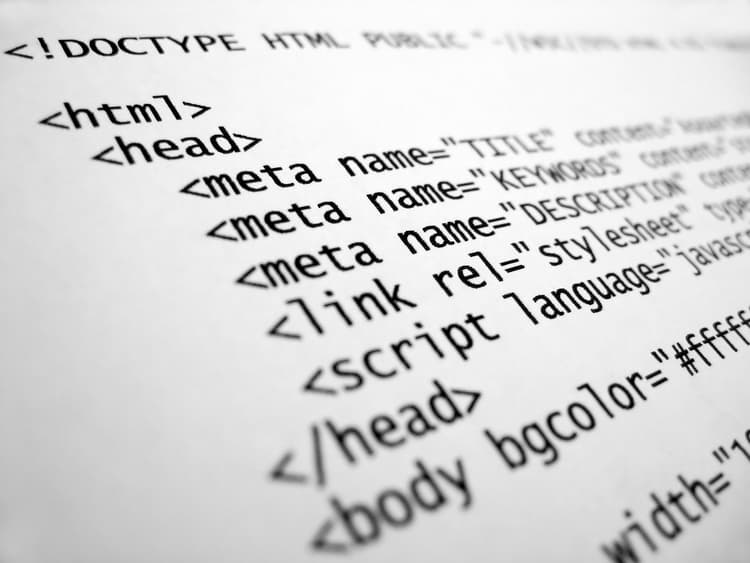
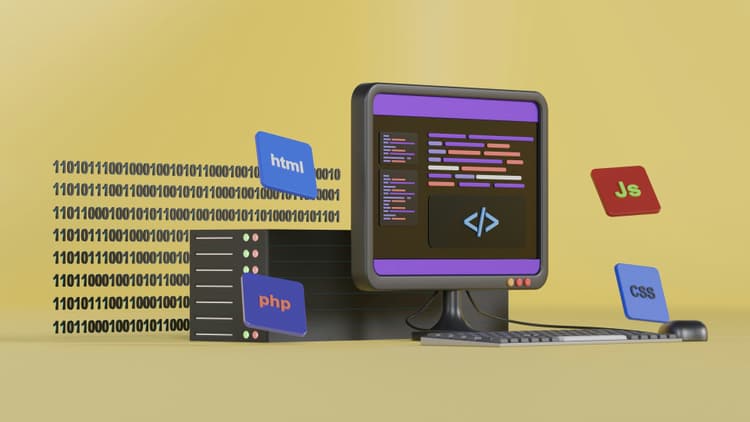
  • HTML & CSS
  • JavaScript
  • Dreamweaver
  • Firefly
  • ChatGPT
  • Copilot
  • Why Professionals Trust Docklands Media

    Docklands Media is the leading provider of creative software training based in London's Canary Wharf. We deliver expert-led courses across a wide range of disciplines including Graphic Design, Animation, Motion Graphics, Video Editing, 3D Visualisation, Web Development, and CAD.

    We offer flexible learning formats to suit both individuals and organisations. Choose from in-person courses at our training centre in London, live online classes, or on-site corporate training tailored to your business needs.

    Video thumbnail

    Trusted by the best companies in the world

    Harrods
    Boeing
    Costa
    Ticketmaster
    Google
    Cisco
    Apple
    Cabinet Office
    Pandora
    Nokia
    IBM
    Mercedes
    UK Parliament
    Microsoft
    Channel 4
    Harrods
    Boeing
    Costa
    Ticketmaster
    Google
    Cisco
    Apple
    Cabinet Office
    Pandora
    Nokia
    IBM
    Mercedes
    UK Parliament
    Microsoft
    Channel 4
    Harrods
    Boeing
    Costa
    Ticketmaster
    Google
    Cisco
    Apple
    Cabinet Office
    Pandora
    Nokia
    IBM
    Mercedes
    UK Parliament
    Microsoft
    Channel 4
    F1
    Global
    Amazon
    John Lewis
    ITV
    Vevo
    BBC
    Dyson
    Jaguar
    PlayStation
    Sony
    Sky
    Accenture
    Pfizer
    Disney
    F1
    Global
    Amazon
    John Lewis
    ITV
    Vevo
    BBC
    Dyson
    Jaguar
    PlayStation
    Sony
    Sky
    Accenture
    Pfizer
    Disney
    F1
    Global
    Amazon
    John Lewis
    ITV
    Vevo
    BBC
    Dyson
    Jaguar
    PlayStation
    Sony
    Sky
    Accenture
    Pfizer
    Disney

    Explore Our Creative Software Courses

    Whether you're starting your creative journey or upskilling for your career, these are the most popular courses in design, editing, animation and motion graphics.

    Why Choose Docklands Media?

    Get more than just a course—enjoy expert support, free resources, and unbeatable value with every creative training programme.

    Free Class Retake

    Free Class Retake

    Retake your course for free within 24 months to refresh your knowledge and reinforce your skills—perfect for staying up to date with software updates and creative workflows.

    Lifetime Support

    Lifetime Support

    Get lifetime access to our technical support via email or phone. Whether you're stuck on a design challenge or need help using the software, our instructors are here to assist you long after your course ends.

    Comprehensive Course Materials

    Comprehensive Course Materials

    Every course includes detailed training notes, downloadable files, and project resources—helping you review key techniques and continue practising after your course.

    Best Price Guarantee

    Best Price Guarantee

    Found a similar course for less? We'll match it and beat the price by 10%. You get top-quality training at unbeatable value.

    Access to On-Demand Training Videos

    Access to On-Demand Training Videos

    Gain exclusive access to our online training video library after your course—covering key lessons, software tutorials, and step-by-step creative workflows taught by our certified instructors.

    100% Satisfaction or Your Money Back

    100% Satisfaction or Your Money Back

    If you're not completely happy with your training experience, we'll make it right—or offer a full refund. Your satisfaction and learning outcomes are our priority.

    Flexible Training Locations to Suit You

    Whether you prefer to learn in person, online, or on-site, Docklands Media offers flexible delivery options to fit your schedule and learning style.
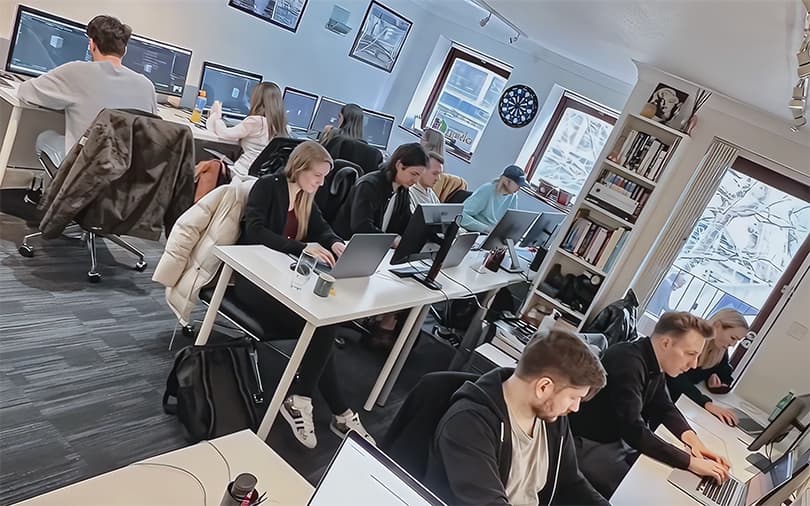
    Train at Our London Offices

    Train at Our London Offices

    Join us at our state-of-the-art training centre in London, Canary Wharf for in-person, hands-on learning with expert instructors. Our postcode is E14 9UH.
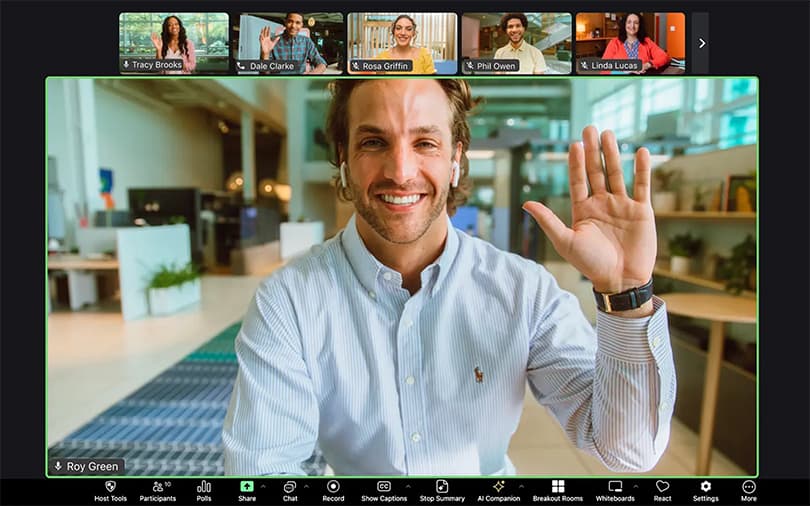
    Live Online Training via Zoom / Teams

    Live Online Training via Zoom / Teams

    Access the same high-quality training from anywhere in the world. Our interactive online sessions are delivered live via Zoom or Microsoft Teams.

    On-Site Training at Your Office

    On-Site Training at Your Office

    We bring the training to you. Ideal for teams and businesses, our instructors can deliver tailored sessions at your premises anywhere in the world.

    What Our Clients Say About Docklands Media

    Real feedback. Real results. See why creative professionals and global brands trust us to deliver training that makes a difference.

    C4D 1
    C4D 2
    Premiere Pro 1
    AutoCAD 2
    AutoCAD 3
    Premiere Pro / After Effects
    AutoCAD 4
    Premiere Pro 2
    Premiere Pro 3
    Premiere Pro 4
    Photoshop 1
    Premiere Pro 5
    Photoshop 2
    After Effects 1
    Premiere Pro 6
    After Effects 2
    After Effects 3
    PS / AI / ID / AE
    Premiere Pro 7
    After Effects 4
    After Effects 5
    InDesign 1
    C4D 3
    C4D 4
    C4D 5
    Illustrator 2
    Premiere Pro 8
    Premiere Pro 9
    PS / AI / ID
    After Effects 6
    AutoCAD 5
    AutoCAD 6

    The Intermediate HTML & CSS course built perfectly on my beginner knowledge. I learned more advanced layout techniques, responsive design, and how to use CSS Flexbox and Grid effectively. The practical exercises helped me apply these concepts immediately to real projects, making the learning very hands-on.

    Mohammed Rahman
    MR

    The Intermediate Premiere Pro course helped me produce marketing videos, tutorials, and professional social media content. I can now manage complex editing workflows confidently and efficiently.

    Élodie Martin
    ÉM

    This SketchUp course was very hands-on and easy to follow. Covering essential tools, basic modelling, materials, and simple scenes, it gave me the confidence to start my own small projects straight away.

    Naomi Grant
    NG

    The Beginner Cinema 4D course gave me a strong foundation in 3D modelling and basic animation. I learned object creation, simple animation, materials, and lighting. By the end, I could produce beginner-level motion graphics and 3D scenes efficiently.

    Julia Bennett
    JB

    With no previous experience in InDesign, this course gave me a clear introduction to page layouts, text formatting, and exporting documents correctly. I’d highly recommend it to anyone starting out.

    Madeleine Ashcroft
    MA

    The comprehensive coverage of MoGraph in this course was a highlight. I learned to harness its full potential, enabling me to create complex animations and effects with ease.

    Noah Bennett
    NB

    This Advanced AutoCAD course taught me how to create 3D solids, surfaces, and assemblies, apply materials, and perform 3D visualisation. I now produce complex, accurate 3D models efficiently for mechanical and architectural projects.

    Ahmed El-Sayed
    AE

    I had never used Adobe Illustrator before, but this course explained everything step by step. From creating shapes and using layers to basic typography, I now feel confident producing professional graphics.

    Amirah Khan
    AK

    The Intermediate 3ds Max course helped me build on my beginner skills in a clear and structured way. I learned more complex modelling techniques, intermediate animation workflows, and lighting setups. The exercises were practical and realistic, and I appreciated how the course encouraged me to experiment. Overall, it's a solid course for developing confidence in 3D projects.

    Julia Denham
    JD

    Learning more advanced modelling and animation techniques has opened up a lot more creative options for my designs. The hands-on exercises were especially useful in turning new ideas into practical skills.

    Derya Ozdemir
    DO

    The Beginner Adobe Photoshop course gave me all the Photoshop basics I needed: layers, masks, and image editing techniques. Now my architectural presentations look much more polished and professional thanks to this training.

    Alexandra Finch
    AF

    Getting to grips with automation, nested styles, and preparing files for large print runs really changed how I work. It’s a great course for anyone serious about publishing.

    Rami Nasser
    RN

    Before this course, After Effects felt confusing. Breaking down compositions, layers, and basic animation made everything click, and I can now create social media animations and simple motion graphics efficiently.

    Tomasz Kaczmarek
    TK

    The Advanced Adobe Premiere Pro training helped me manage multi-layered timelines, apply advanced transitions, integrate motion graphics, and perform professional audio mixing. It’s the most thorough Premiere Pro course I’ve taken.

    Ryan Clarke
    RC

    My AutoCAD workflow has improved a lot, particularly when it comes to organising layered drawings, managing complex layouts, and adding precise annotations. These skills translate directly into real professional projects.

    Fiona Campbell
    FC

    The Intermediate HTML & CSS course built perfectly on my beginner knowledge. I learned more advanced layout techniques, responsive design, and how to use CSS Flexbox and Grid effectively. The practical exercises helped me apply these concepts immediately to real projects, making the learning very hands-on.

    Mohammed Rahman
    MR

    The Intermediate Premiere Pro course helped me produce marketing videos, tutorials, and professional social media content. I can now manage complex editing workflows confidently and efficiently.

    Élodie Martin
    ÉM

    This SketchUp course was very hands-on and easy to follow. Covering essential tools, basic modelling, materials, and simple scenes, it gave me the confidence to start my own small projects straight away.

    Naomi Grant
    NG

    The Beginner Cinema 4D course gave me a strong foundation in 3D modelling and basic animation. I learned object creation, simple animation, materials, and lighting. By the end, I could produce beginner-level motion graphics and 3D scenes efficiently.

    Julia Bennett
    JB

    With no previous experience in InDesign, this course gave me a clear introduction to page layouts, text formatting, and exporting documents correctly. I’d highly recommend it to anyone starting out.

    Madeleine Ashcroft
    MA

    The comprehensive coverage of MoGraph in this course was a highlight. I learned to harness its full potential, enabling me to create complex animations and effects with ease.

    Noah Bennett
    NB

    This Advanced AutoCAD course taught me how to create 3D solids, surfaces, and assemblies, apply materials, and perform 3D visualisation. I now produce complex, accurate 3D models efficiently for mechanical and architectural projects.

    Ahmed El-Sayed
    AE

    I had never used Adobe Illustrator before, but this course explained everything step by step. From creating shapes and using layers to basic typography, I now feel confident producing professional graphics.

    Amirah Khan
    AK

    The Intermediate 3ds Max course helped me build on my beginner skills in a clear and structured way. I learned more complex modelling techniques, intermediate animation workflows, and lighting setups. The exercises were practical and realistic, and I appreciated how the course encouraged me to experiment. Overall, it's a solid course for developing confidence in 3D projects.

    Julia Denham
    JD

    Learning more advanced modelling and animation techniques has opened up a lot more creative options for my designs. The hands-on exercises were especially useful in turning new ideas into practical skills.

    Derya Ozdemir
    DO

    The Beginner Adobe Photoshop course gave me all the Photoshop basics I needed: layers, masks, and image editing techniques. Now my architectural presentations look much more polished and professional thanks to this training.

    Alexandra Finch
    AF

    Getting to grips with automation, nested styles, and preparing files for large print runs really changed how I work. It’s a great course for anyone serious about publishing.

    Rami Nasser
    RN

    Before this course, After Effects felt confusing. Breaking down compositions, layers, and basic animation made everything click, and I can now create social media animations and simple motion graphics efficiently.

    Tomasz Kaczmarek
    TK

    The Advanced Adobe Premiere Pro training helped me manage multi-layered timelines, apply advanced transitions, integrate motion graphics, and perform professional audio mixing. It’s the most thorough Premiere Pro course I’ve taken.

    Ryan Clarke
    RC

    My AutoCAD workflow has improved a lot, particularly when it comes to organising layered drawings, managing complex layouts, and adding precise annotations. These skills translate directly into real professional projects.

    Fiona Campbell
    FC

    FAQs

    Just a few comments from our students.

    • Our address is: 3 Laybourne House, Admirals Way, London, E14 9UH. We are located only a couple of minutes’ walk from both the Canary Wharf and South Quay stations.

    Have a Question? We're Here to Help

    Fill out the contact form and a member of our team will get back to you shortly—usually within minutes. Whether you're looking to book a course or just need advice, we're happy to assist.

    Docklands Media is a London-based training provider offering professional one-to-one and online courses in industry-standard fields such as graphic design, 3D visualisation and CAD applications, artificial intelligence, motion graphics, and web design. Our training programmes are structured around current software tools and real-world industry needs, with a strong focus on developing both creative and technical skills.

    © 2026 Docklands Media. All rights reserved.