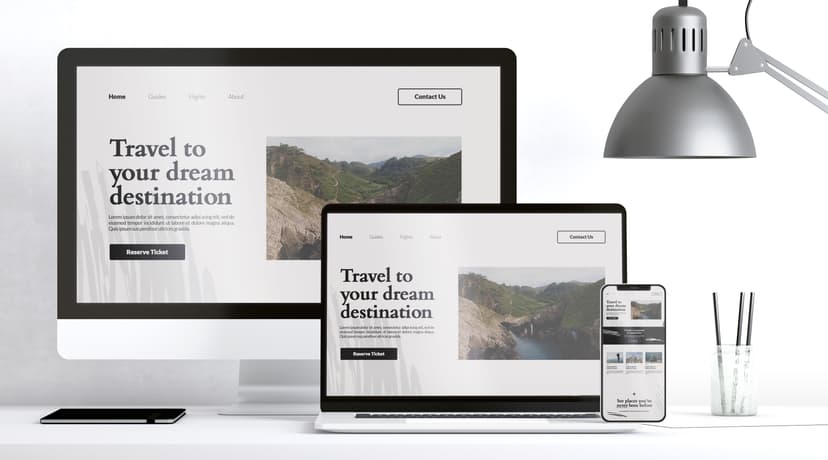
Start your web design journey with expert-led courses in HTML, CSS, JavaScript & WordPress. Build responsive sites, master interactive features, and create a pro portfolio—learn at your own pace, online or in-person.


Build professional websites with ease through our WordPress courses. Learn to harness the full power of this leading platform with expert guidance—perfect for beginners and pros looking to create stunning, functional sites.
Learn the core coding languages of web design and create stunning, professional websites. With expert guidance, flexible schedules, and accessible pricing, our courses are your gateway to mastering modern web design.
Master JavaScript with hands-on training and real-world projects. Learn to build dynamic, interactive websites and web apps—guided by expert instructors, designed for aspiring developers ready to level up their skills.
Master the art of web design with our Dreamweaver course. Learn HTML, CSS, responsive design, and more through hands-on projects—perfect for beginners and pros aiming to build engaging, high-converting websites.
Software
Level
Find answers to common questions about Web Design Courses and general inquiries.
No. The course is designed for complete beginners through to advanced users. You’ll start with installation and configuration and progress to development, customisation, SEO and security.
Yes. You’ll learn to install WordPress on a web server, navigate the dashboard, and configure site settings as part of the course foundation.
Absolutely. You’ll gain practical experience in theme customisation, page and post creation, content management, plugins, and site layout—enabling you to set up professional websites for personal or business use.
Yes. You’ll learn both basic and advanced SEO strategies as well as key security measures for WordPress—such as using child themes, managing user roles, and maintaining updates.
Yes. You’ll understand how to select, customise, and create child themes, along with customising functionality via plugins and even developing basic plugins yourself.
Yes. You’ll get hands-on with WooCommerce setup and learn how to manage products, payments, and storefronts—all within the context of WordPress.
Definitely. You’ll learn best practices for site backups, updates, user management, Multisite configuration, and keeping a WordPress site secure and up to date.
Yes. After completing the course, you’ll have a portfolio-ready skill set for web design, freelance development, blog management, or even working with digital agencies.
No, the course is designed for complete beginners as well as those who already know the basics and want to move to the next level.
Yes. You'll go step-by-step through creating a structured HTML document, styling it with CSS, and progressively enhancing it with layout and responsive design.
Fill out the contact form and a member of our team will get back to you shortly—usually within minutes. Whether you're looking to book a course or just need advice, we're happy to assist.
© 2026 Docklands Media. All rights reserved.