Take your front-end skills further with this three-day Intermediate HTML & CSS course. Learn advanced responsive design, CSS animations, Flexbox, Grid, and JavaScript integration. Optimise performance and accessibility while building professional websites. Join now and elevate your web development expertise.
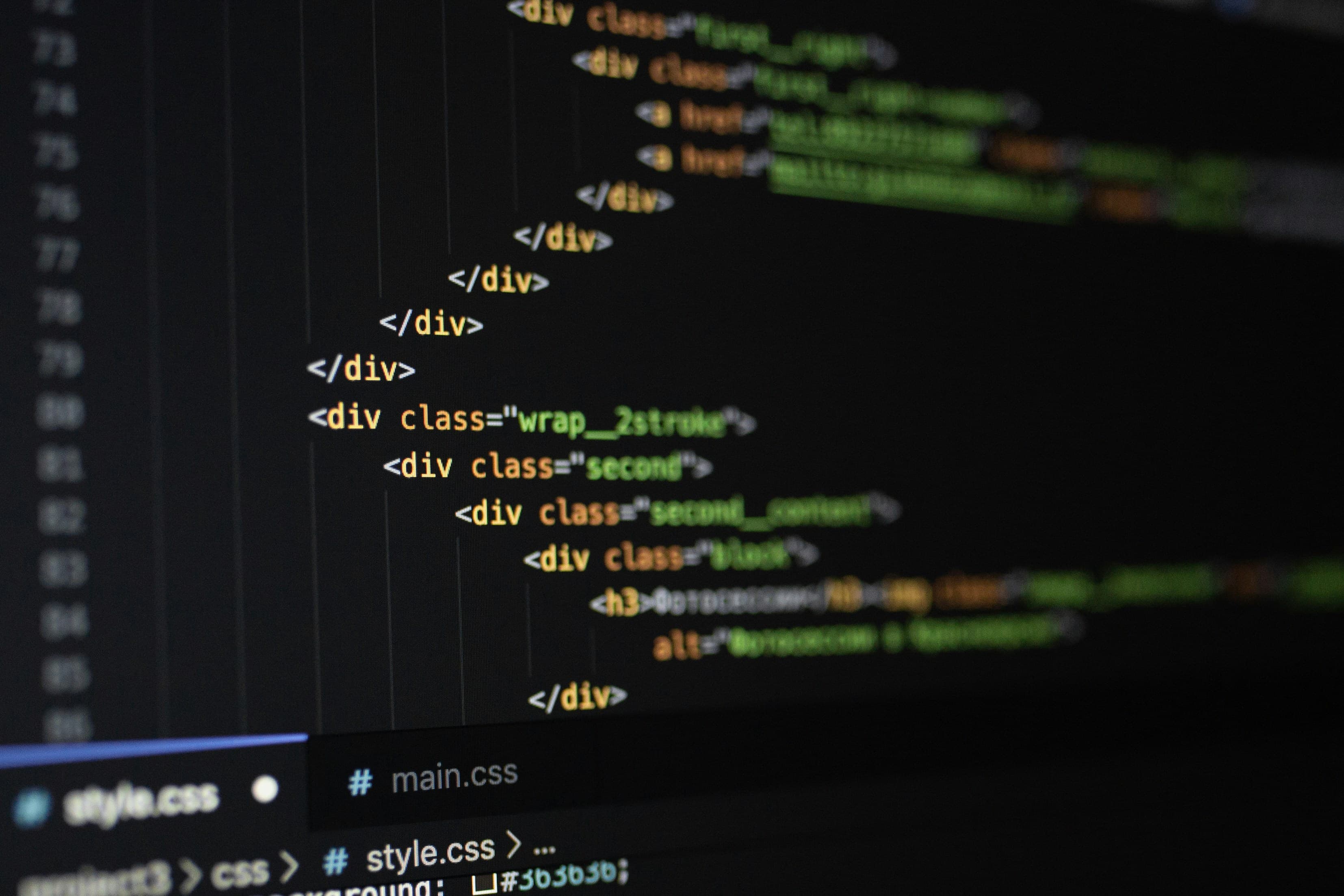
Designed for those with a basic understanding of HTML and CSS, this intermediate course delves deeper into modern web development practices. Delivered at our London studio or online, the course combines theory with hands-on exercises to ensure you can implement advanced techniques confidently.
You’ll learn to create responsive layouts, work with advanced CSS properties, integrate JavaScript and jQuery, and use preprocessors like Sass or Less. The course also covers image optimisation, debugging, and responsive frameworks such as Bootstrap and Foundation. By the end, you’ll be equipped to create professional, accessible websites that meet modern web standards and provide excellent user experiences.
Here is what you will learn on this HTML & CSS course in more detail. Click the topics below to explore what is covered in each section.
Take your CSS skills to the next level by learning how to create complex, responsive, and visually engaging layouts. This section focuses on mastering advanced styling features and animation techniques that bring your designs to life. You will focus on:
• Review of HTML and CSS fundamentals and best practices
• Advanced CSS techniques, including transforms, transitions, and animations
• Building complex layouts using CSS Grid and Flexbox
• Applying advanced text styling techniques, including web fonts and creative text effects
JavaScript adds interactivity and functionality to your designs. In this section, you’ll learn how to use JavaScript and jQuery to manipulate web page content dynamically and enhance the user experience. You will practise:
• Integrating JavaScript and jQuery within HTML and CSS projects
• Using JavaScript to manipulate the Document Object Model (DOM)
• Understanding how scripts can control and respond to user actions
Preprocessors like Sass and Less make CSS more powerful, organised, and maintainable. This section introduces how to use them to speed up your workflow and write cleaner, reusable code. You will learn:
• Introduction to CSS preprocessors such as Sass or Less
• Writing variables, mixins, and nested rules for efficient styling
• Applying advanced styling techniques using preprocessors
Performance is key to creating fast, professional websites. This section covers techniques for optimising assets and improving the overall speed and efficiency of your projects. You will explore:
• Working with images in detail, including responsive image techniques and optimisation methods
• Reducing file sizes and improving loading times without compromising quality
• Applying optimisation strategies for both HTML and CSS files
Responsive frameworks simplify the creation of mobile-friendly and scalable websites. This section shows you how to use them to ensure your designs adapt beautifully to any device. You will focus on:
• Using responsive design frameworks such as Bootstrap or Foundation
• Applying pre-built grid systems for faster, consistent layouts
• Customising framework components to match your project’s visual style
Professional web developers must be able to identify, fix, and prevent coding issues efficiently. This section ensures your projects are reliable, accessible, and maintainable. You will learn:
• Best practices for debugging and troubleshooting HTML, CSS, and JavaScript
• Testing responsive behaviour across multiple browsers and devices
• Maintaining clean, scalable code for professional web projects
Every Docklands Media course comes with a range of added benefits to support your learning at no extra cost.
Receive an official certificate of completion to validate your training. Ideal for portfolios, CVs, or proving your skills in HTML & CSS.
Access our email and phone support for a lifetime. Contact us with any technical questions related to what you have learned on your HTML & CSS course.
Need a refresher? Retake the same HTML & CSS course for free within 24 months. A great way to solidify your learning or get up to speed with new software updates.
Receive training notes, project files, and 7-day access to instructor-led video tutorials. Perfect for reinforcing key lessons and practising at your own pace.
We're committed to providing the best training experience possible. That's why we offer a range of discounts and flexible payment options to make your HTML & CSS course more accessible and affordable.
Get discounted rates when booking for two or more people, or if you're enrolling from a charity. Save 5–15% depending on your group size or institution type.
Book your HTML & CSS course at least three months in advance and get 10% off. Secure your place early and save on top-quality creative training.
If you're not fully satisfied on the first day of your HTML & CSS course, let us know. We'll do our best to make it right—or refund you in full. No hassle, no risk.
Spread the cost of your training over 3, 6, or 12 months. Our instalment plans help make creative learning more accessible, with interest rates as low as 5%.

Tareq is a fantastic web designer, programmer and an Adobe Certified Expert in al things web. He has helped thousands of people to learn how to program in HTML, CSS, JavaScript and XML.
Hear directly from professionals and teams who’ve trained with us, sharing their experiences and the impact our training has had on their creative journeys.
As well as creative individuals, we are also the preferred training provider for some of the most successful global brands and organisations.
Just a few of the common questions asked by our students.
No, the course is designed for complete beginners as well as those who already know the basics and want to move to the next level.
Yes. You'll go step-by-step through creating a structured HTML document, styling it with CSS, and progressively enhancing it with layout and responsive design.
Absolutely. You’ll learn how to use media queries, Flexbox, and CSS Grid to build layouts that adapt to mobile, tablet, and desktop screens.
Yes. The course emphasises semantic HTML, proper indentation, commenting, naming conventions, and CSS organisation for future maintainability.
Yes. You’ll learn to create simple animations, transitions, and hover effects to bring your designs to life.
Yes. The course introduces frameworks like Bootstrap or Foundation to show how they can accelerate responsive design workflows.
Yes. The practical skills and techniques are directly applicable to building professional websites or landing pages for clients.
Contact us today to learn more about our courses and how we can help you achieve your creative goals.
Docklands Media’s HTML and CSS Intermediate course is designed for learners who already have a solid foundation in front-end web development and want to build more complex, responsive, and interactive websites. This course focuses on modern workflows, advanced styling techniques, and performance-conscious development, helping you move beyond basic page layouts and into professional-level web design.
© 2026 Docklands Media. All rights reserved.