ChatGPT Training: Beginner

Learn how to use AI effectively in this one-day ChatGPT Introduction course. Write powerful prompts, explore key features, and apply ChatGPT to everyday tasks like drafting, summarising, and brainstorming. Sign up today and boost your productivity with AI.

Course Promo

Course Overview

The ChatGPT Introduction course is designed for beginners looking to understand and apply AI effectively in daily workflows. You’ll start by learning what ChatGPT is, how it works, and the different GPT models available. The course covers navigating the desktop and mobile apps, managing chat history, using file uploads, and working with features like custom instructions, memory, and projects.

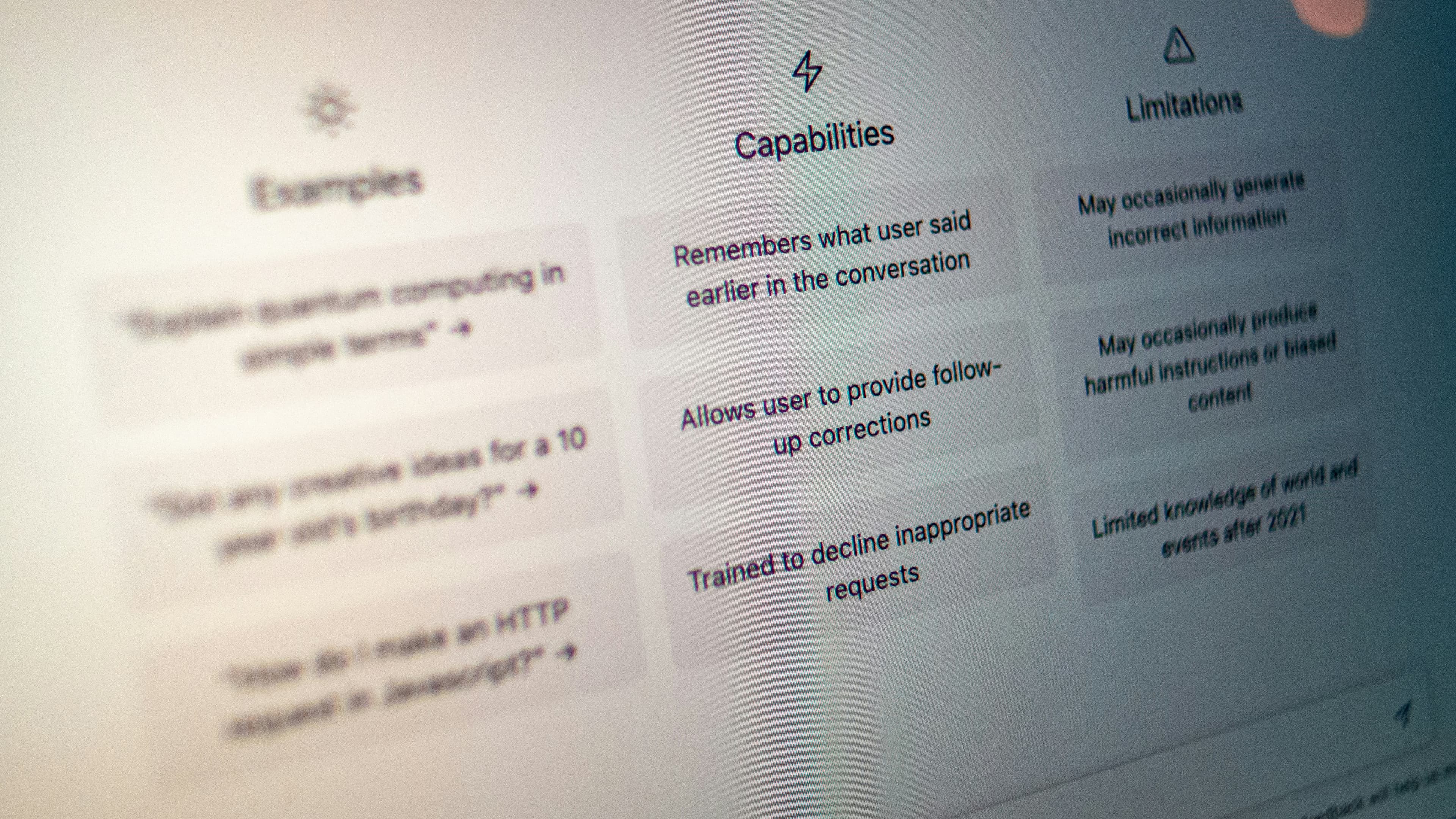
Hands-on exercises focus on writing effective prompts, refining vague requests, and using ChatGPT for tasks such as summarising documents, analysing data, generating drafts, automating repetitive processes, brainstorming creative content, and research. You’ll also explore the strengths and limitations of ChatGPT and learn how to use it safely and ethically.

Practical applications in the workplace are included, such as integrating ChatGPT with Microsoft 365 tools (Word, Excel, PowerPoint) to improve communication, reporting, and content creation. Sessions can be delivered in-person or online, with small group sizes to allow personalised guidance and maximised hands-on practice.

Read more

Dates

Next course starts on:21 Dec 2026

Beginner Level

1 consecutive days
21 Dec 2026
If these dates don't suit you, let us know and we can arrange a Tailored ChatGPT Course, and change the content and the dates to fit.

Course Outline

Here is what you will learn on this ChatGPT course in more detail. Click the topics below to explore what is covered in each section.

In this section, you’ll gain a foundational understanding of what ChatGPT is, how it works, and the different GPT models available. You’ll also explore the platform’s core features, including memory, customisation, and project management.

  • What ChatGPT is and how it works

  • Different GPT models and when to use them

  • Key features: memory, customisation, projects

This part of the course focuses on navigating ChatGPT across desktop and mobile platforms. You’ll learn to manage chat history, use file uploads, and explore voice, dictation, and image features to make your workflow more efficient.

  • Setting up and navigating the desktop and mobile apps

  • Understanding chat history, library, and file uploads

  • Exploring voice, dictation, and image features

Learn the art of crafting prompts that produce accurate, useful, and creative results. You’ll explore different prompt types, how to structure your requests clearly, and techniques for refining vague or ambiguous prompts.

  • Types of prompts (informational, instructional, creative, problem-solving)

  • Writing clear, specific, and structured prompts

  • Techniques for refining vague or ambiguous prompts

This section demonstrates how to apply ChatGPT to real-world tasks. You’ll practice summarising documents, analysing data, drafting content, automating repetitive processes, brainstorming, and conducting research.

  • Summarising documents, analysing data, and generating drafts

  • Automating repetitive tasks

  • Brainstorming ideas and creative content

  • Research and problem-solving

Understand the limits of ChatGPT and how to get the best results safely. You’ll learn strategies to avoid common mistakes and apply ethical guidelines for effective AI use.

  • Strengths and limitations of ChatGPT

  • How to avoid common mistakes

  • Guidelines for safe, ethical, and effective use

Discover practical ways to integrate ChatGPT into professional workflows. You’ll explore its use with tools like Microsoft 365 and see how AI can improve communication, reporting, and content creation.

  • Using ChatGPT with Microsoft 365 tools

  • Example applications in communication, reporting, and content creation

Learn how to continue developing your AI skills and explore more advanced tools and courses to expand your capabilities.

  • Continuing to develop AI skills

  • Exploring more advanced tools and courses

What’s Included in Your Course

Every Docklands Media course comes with a range of added benefits to support your learning at no extra cost.

Course Certification

Course Certification

Receive an official certificate of completion to validate your training. Ideal for portfolios, CVs, or proving your skills in Chat GPT.

Lifetime Support

Lifetime Support

Access our email and phone support for a lifetime. Contact us with any technical questions related to what you have learned on your Chat GPT course.

Free Course Retake

Free Course Retake

Need a refresher? Retake the same Chat GPT course for free within 24 months. A great way to solidify your learning or get up to speed with new software updates.

Course Materials & Videos

Course Materials & Videos

Receive training notes, project files, and 7-day access to instructor-led video tutorials. Perfect for reinforcing key lessons and practising at your own pace.

Offers & Discounts

We're committed to providing the best training experience possible. That's why we offer a range of discounts and flexible payment options to make your Chat GPT course more accessible and affordable.

Group Bookings & Non-Profits

Group Bookings & Non-Profits

Get discounted rates when booking for two or more people, or if you're enrolling from a charity. Save 5–15% depending on your group size or institution type.

Early Bird Discount

Early Bird Discount

Book your Chat GPT course at least three months in advance and get 10% off. Secure your place early and save on top-quality creative training.

Money-Back Guarantee

Money-Back Guarantee

If you're not fully satisfied on the first day of your Chat GPT course, let us know. We'll do our best to make it right—or refund you in full. No hassle, no risk.

Instalment Plans

Instalment Plans

Spread the cost of your training over 3, 6, or 12 months. Our instalment plans help make creative learning more accessible, with interest rates as low as 5%.

Meet Your Instructor

Simon Dry

Simon Dry

Simon is a fantastic graphic designer with a career spanning three decades in consultancy, design, art direction and production. After a successful career in creative direction, Simon now focuses on sharing his knowledge with others.

Clients

As well as creative individuals, we are also the preferred training provider for some of the most successful global brands and organisations.

4
Accenture
Amazon
American Express
Apple
Army
Arsenal FC
BBC
Bentley
Boeing
Cabinet Office
Canary Wharf Group
Chanel
Chelsea
Cisco
Costa
Currys
Deloitte
Disney
DK
Dyson
Excel
F1
Figma
Financial Times
Food Standards Agency
Fujifilm
Global
Google
GOV.UK
Harrods
Heathrow
HSBC
IBM
Itsu
ITV
Jaguar
JCDecaux
4
Accenture
Amazon
American Express
Apple
Army
Arsenal FC
BBC
Bentley
Boeing
Cabinet Office
Canary Wharf Group
Chanel
Chelsea
Cisco
Costa
Currys
Deloitte
Disney
DK
Dyson
Excel
F1
Figma
Financial Times
Food Standards Agency
Fujifilm
Global
Google
GOV.UK
Harrods
Heathrow
HSBC
IBM
Itsu
ITV
Jaguar
JCDecaux
4
Accenture
Amazon
American Express
Apple
Army
Arsenal FC
BBC
Bentley
Boeing
Cabinet Office
Canary Wharf Group
Chanel
Chelsea
Cisco
Costa
Currys
Deloitte
Disney
DK
Dyson
Excel
F1
Figma
Financial Times
Food Standards Agency
Fujifilm
Global
Google
GOV.UK
Harrods
Heathrow
HSBC
IBM
Itsu
ITV
Jaguar
JCDecaux
John Lewis
Just Eat Takeaway
Lush
Macmillan Cancer Support
Mercedes
Metropolitan Police
Microsoft
Ministry of Defence
NATO OTAN
NHS
Nokia
Pandora
Penguin Random House
Pfizer
PlayStation
Porsche
Post Office
Red Bull
Royal Air Force
Savills
Sky
SMG
Sony
Specsavers
Tate
The Independent
The Times
Ticketmaster
TikTok
Turner
UK Parliament
Vevo
Wetherspoon
Wex
Wickes
Wise
World Duty Free
John Lewis
Just Eat Takeaway
Lush
Macmillan Cancer Support
Mercedes
Metropolitan Police
Microsoft
Ministry of Defence
NATO OTAN
NHS
Nokia
Pandora
Penguin Random House
Pfizer
PlayStation
Porsche
Post Office
Red Bull
Royal Air Force
Savills
Sky
SMG
Sony
Specsavers
Tate
The Independent
The Times
Ticketmaster
TikTok
Turner
UK Parliament
Vevo
Wetherspoon
Wex
Wickes
Wise
World Duty Free
John Lewis
Just Eat Takeaway
Lush
Macmillan Cancer Support
Mercedes
Metropolitan Police
Microsoft
Ministry of Defence
NATO OTAN
NHS
Nokia
Pandora
Penguin Random House
Pfizer
PlayStation
Porsche
Post Office
Red Bull
Royal Air Force
Savills
Sky
SMG
Sony
Specsavers
Tate
The Independent
The Times
Ticketmaster
TikTok
Turner
UK Parliament
Vevo
Wetherspoon
Wex
Wickes
Wise
World Duty Free

FAQs

Just a few of the common questions asked by our students.

  • No. This beginner-level course is designed for complete beginners as well as those familiar with basic AI concepts.

  • Yes. You’ll practice crafting clear, structured, and creative prompts to get accurate and useful results.

  • Yes. The course includes practical applications for communication, reporting, content creation, and integration with Microsoft 365 tools.

  • The course is a one-day session with hands-on exercises and personalised guidance.

  • Yes. Sessions can be joined online via Zoom or Teams, or in-person at our London training centre.

Enquire

Contact us today to learn more about our courses and how we can help you achieve your creative goals.

Docklands Media’s ChatGPT Introduction course is designed for beginners who want to understand how AI works and start using ChatGPT confidently in everyday tasks and professional workflows. This course begins with a clear overview of what ChatGPT is, how it works, and the differences between GPT models, giving you the foundation needed to use the tool effectively. You’ll learn how to navigate both the desktop and mobile apps, manage chat history, upload and analyse files, and make use of features such as custom instructions, memory, and projects to personalise your experience.

© 2026 Docklands Media. All rights reserved.