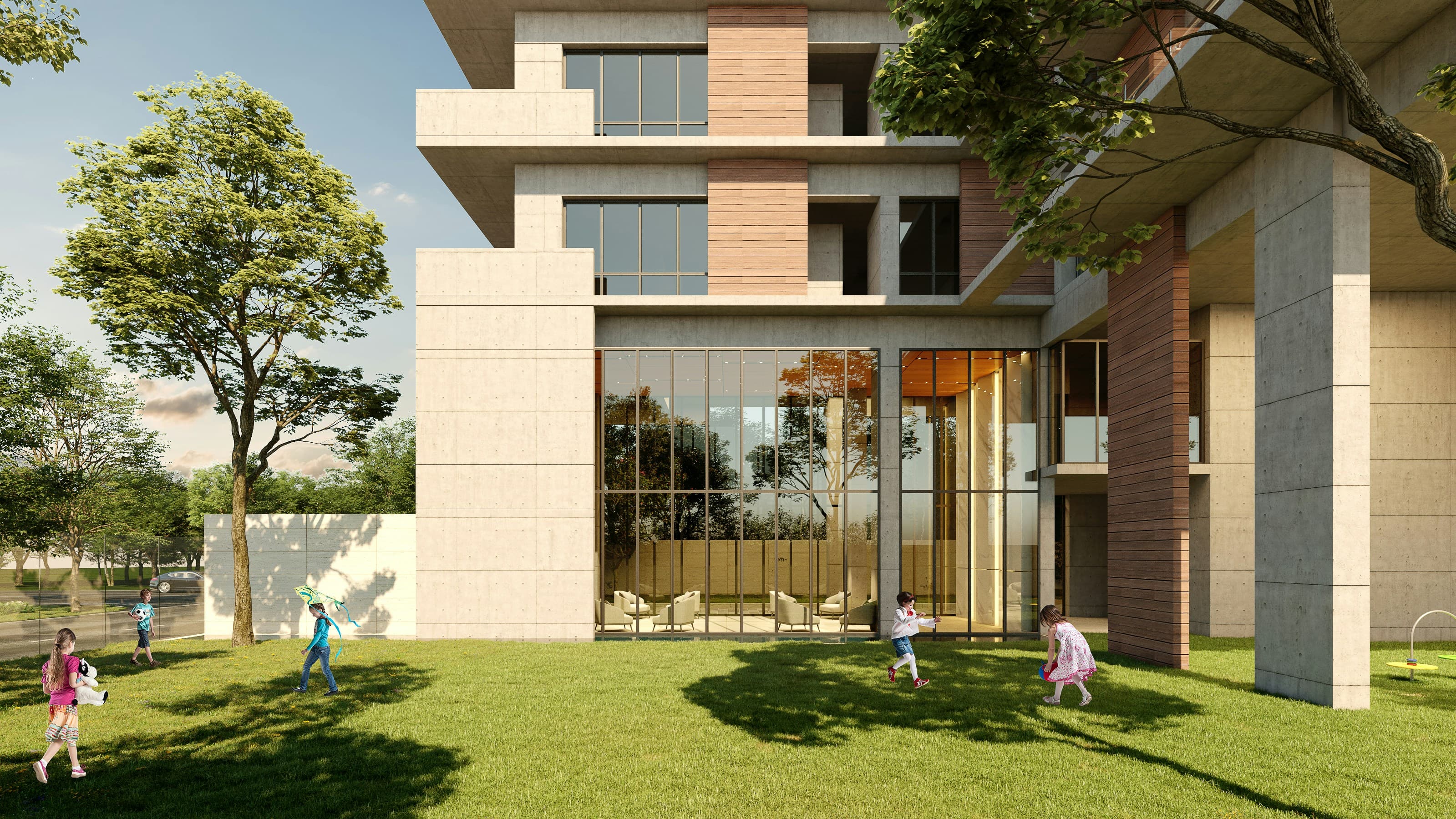
Bring your SketchUp designs to life in this one-day Intermediate V-Ray course. Learn to create realistic lighting, materials, and high-quality renders that enhance your 3D models. Perfect for designers and visualisation pros. Join now and elevate your SketchUp projects with V-Ray.

This intensive one-day course is designed for SketchUp users who want to enhance their designs with V-Ray. You’ll explore advanced lighting techniques, realistic material creation, and rendering workflows that help your 3D models look professional and visually compelling.
Throughout the day, you’ll work hands-on with your own projects under the guidance of expert instructors. Learn how to simulate daylight, interior, and studio lighting, work with HDRI images, and optimise render settings for both quick previews and high-quality final outputs. You’ll also discover advanced material properties, including reflections, refractions, bumps, alpha channels, and self-illuminating textures, giving your models unmatched realism.
Sessions can be joined in person at our London studios or online, making it easy to fit training into your schedule. By the end of the course, you’ll have the confidence and know-how to create striking, photorealistic renders that enhance your portfolio and impress clients.
Here is what you will learn on this SketchUp course in more detail. Click the topics below to explore what is covered in each section.
Begin your journey into high-quality visualisation by learning how V-Ray integrates seamlessly with SketchUp. This section introduces the fundamentals of photorealistic rendering, helping you understand how to bring your 3D models to life with professional lighting, textures, and materials. You will explore:
• Overview of V-Ray for SketchUp and its core features
• Understanding essential rendering concepts and workflows
• Integrating V-Ray effectively into your SketchUp design process
Lighting is one of the most critical elements in achieving photorealism. In this section, you’ll learn how to simulate natural daylight, interior lighting, and studio setups to create believable, dynamic renders. You will learn:
• Simulating daylight systems using V-Ray’s Sun and Sky tools
• Creating effective interior lighting setups for realism and depth
• Designing professional studio lighting arrangements
• Using HDRI images to produce natural environmental illumination
Materials determine how your surfaces interact with light and define the overall realism of your render. This section guides you through building and editing realistic materials in V-Ray for SketchUp. You will focus on:
• Editing and enhancing existing materials within your SketchUp model
• Creating realistic V-Ray materials from scratch
• Working with reflections, refractions, bump maps, and alpha channels
• Accessing and managing assets from the V-Ray material library
• Creating self-illuminating textures and simulating realistic grass and surfaces
Understanding rendering settings is key to balancing quality and speed. This section explains how to configure renders for both quick previews and high-quality production outputs. You will explore:
• Setting up and comparing quick draft vs high-quality render settings
• Editing and adjusting lights post-render for improved results
• Using ambient occlusion to add realistic depth and shadow detail
Take your visualisation projects even further by integrating additional tools and plugins into your workflow. This section highlights useful extensions that improve both modelling and rendering efficiency. You will learn:
• Installing and managing SketchUp extensions that complement V-Ray
• Exploring recommended free and premium plugins for faster, more efficient rendering
Every Docklands Media course comes with a range of added benefits to support your learning at no extra cost.
Receive an official certificate of completion to validate your training. Ideal for portfolios, CVs, or proving your skills in SketchUp.
Access our email and phone support for a lifetime. Contact us with any technical questions related to what you have learned on your SketchUp course.
Need a refresher? Retake the same SketchUp course for free within 24 months. A great way to solidify your learning or get up to speed with new software updates.
Receive training notes, project files, and 7-day access to instructor-led video tutorials. Perfect for reinforcing key lessons and practising at your own pace.
We're committed to providing the best training experience possible. That's why we offer a range of discounts and flexible payment options to make your SketchUp course more accessible and affordable.
Get discounted rates when booking for two or more people, or if you're enrolling from a charity. Save 5–15% depending on your group size or institution type.
Book your SketchUp course at least three months in advance and get 10% off. Secure your place early and save on top-quality creative training.
If you're not fully satisfied on the first day of your SketchUp course, let us know. We'll do our best to make it right—or refund you in full. No hassle, no risk.
Spread the cost of your training over 3, 6, or 12 months. Our instalment plans help make creative learning more accessible, with interest rates as low as 5%.

Ricardo's skills are so diverse that it would be impossible to list them all. He is an extremely talented architect and CAD technician, as well as one of the very first Autodesk Certified Instructors in the UK. And all round CAD wiz!
Hear directly from professionals and teams who’ve trained with us, sharing their experiences and the impact our training has had on their creative journeys.
As well as creative individuals, we are also the preferred training provider for some of the most successful global brands and organisations.
Just a few of the common questions asked by our students.
No, the Beginner course is designed for individuals with no prior experience. It covers the fundamentals of SketchUp, guiding you through the basics of 3D modelling and navigation.
The course utilises the latest version of SketchUp Pro to ensure you are learning with the most up-to-date tools and features.
Yes, the course focuses on teaching you how to build 3D models from the ground up, including creating basic shapes, applying materials, and setting up scenes.
Absolutely. Whether you're a professional looking to enhance your skills or a hobbyist interested in 3D modelling, the course provides valuable knowledge applicable across various fields.
Yes, SketchUp Pro is a paid software. However, students can often access discounted or trial versions through the official SketchUp website or educational institutions.
Yes. The course includes techniques for animating cameras and creating dynamic walkthroughs of your projects.
Yes. SketchUp is widely used in architecture, interior design, urban planning, and construction, making it a valuable addition to your skillset.
Contact us today to learn more about our courses and how we can help you achieve your creative goals.
Docklands Media’s one-day V-Ray for SketchUp course is designed for designers who want to take their SketchUp models to the next level through high-quality, photorealistic rendering. V-Ray is an industry-standard rendering engine widely used in architecture, interior design, product visualisation, and 3D design, and this course provides a clear and practical introduction to using it effectively with SketchUp.
© 2026 Docklands Media. All rights reserved.